Enjoy Up to 50% Off Selected Styles + Free Shipping
Enjoy up to 50% off selected styles + free shipping at Ray-Ban.
- Used 128 times
- Added by Jayme
Terms and conditions
- Selected styles only. Prices as marked.
- Standard T's&C's apply.

Enjoy up to 50% off selected styles + free shipping at Ray-Ban.
Terms and conditions
Earn up to 8.4% back from your total purchase price when you shop at Ray-Ban through Love Cashback.
Get 30% off your second pair at Ray-Ban. Plus, enjoy free shipping on your stylish new shades!
Terms and conditions
Visit website for full T&Cs.
Explore Ray-Ban Meta smart glasses: blending classic Ray-Ban style with state-of-the-art AI technology from Ray-Ban.
Never miss cashback. Our free Chrome extension alerts you automatically at every partner store.
Enjoy free shipping on all orders at Ray-Ban.
Terms and conditions
Visit website for full T&Cs.
Ray-Ban is a retailer of quality eyewear that uses the latest technology for its frames that are made of titanium, Memo-Ray and carbon fibre and may or may not be polarised. Over the last 80 years, Ray-Ban has produced the most recognizable sunglasses in the world. Ray-Ban was originally designed at the request of the US army, to protect their pilots from the glare of the sun. They are an undisputed world leader in sun and prescription eyewear whose collection remains true to the brand's classic heritage.
Ray-Ban being the pioneer in the worldwide market of eyewear, has incomparable quality and client endorsement. Ray-Ban has been providing a variety of models of luxury sunglasses, also offers prescription sunglasses and even a wide selection of normal eyeglasses. With the ability to customise your own unique pair of sunglasses or eyeglasses, they truly have something to offer for everyone.
So, what are you waiting for? Shop Ray-Ban eyewear and you could get great offers that can help you save some money. Make a statement without breaking your bank balance. Head straight to Ray-Ban.com and shop away!
About Ray-Ban Homepage
What’s even better is that you’ll be able to shop and spend less money if you applied one of the Ray-Ban discount codes we offer at Love Coupons!

If you’re looking for a discount on your online purchase at Ray-Ban then you’ve come to the right place. All you have to do is follow the steps below to save money on your next eyewear purchase. There is always a sale or discount available at Ray-Ban to be redeemed, and it is our job here at Love Coupons to provide you with these amazing discount codes.
Step 1: Choose a promotion code from the ones listed above
Choose the promotion code from above that you’d like to redeem and it will reveal itself. For example, if you’re looking for 10% off orders at Ray-Ban then find the promotion above, and click on "Get Coupon" to reveal the code.
Step 2: Copy your promotion code
Simply copy the code that is presented to you. You need this code in order to inform Ray-Ban to remove part of the cost of your total order.
Step 3: Click on 'Go to the Ray-Ban site'

After you click, you will be directed to Ray-Ban.
Step 4: Start Shopping!
Find the eyewear you’d like to purchase at Ray-Ban and add them to your bag/cart.
Step 5: Make your purchase!
When you are ready to buy your items, go to Cart/Bag in the top right-hand corner. You can now start to make your purchase by clicking on 'CHECKOUT'. You may need to either sign in or create an account.
Step 6: Enter the code at the Ray-Ban checkout
Now that you have the code copied, simply paste it into the “Do You Have a Promo Code?” label at the checkout. Check out the image provided below for an example in case you have any difficulty. If you’re on a computer or laptop, then you will usually find the promotion code box to the left of the checkout page.

However, if you’re on a mobile then it is just as easy to find the promotion code box you need. It is usually present on the checkout form.
Step 7: Enjoy!
Your discount will be applied and items should arrive in the post in just a few days, happy shopping!
Always note: There are terms and conditions associated with certain codes which you must comply with (like applying a code after meeting a maximum amount of money spent) and you cannot apply a code after submitting your order.
Why is my Ray-Ban promotion code not working?
There are several reasons why your Ray-Ban code might not be working:
Is there a Ray-Ban code just for students?
Yes! Many retailers offer student discounts as a kind of support throughout their learning journey at college or university. Like many brands, Ray-Ban offers discounts to students through UNiDays.
How do I use my student discount code?
Afterpay
Yes, it does. Afterpay is a payment platform that allows you to pay for your purchases in four equal instalments, due every 2 weeks. The good news is that all payments are interest-free and you will receive your order straight away.
For additional information please view the Afterpay terms.
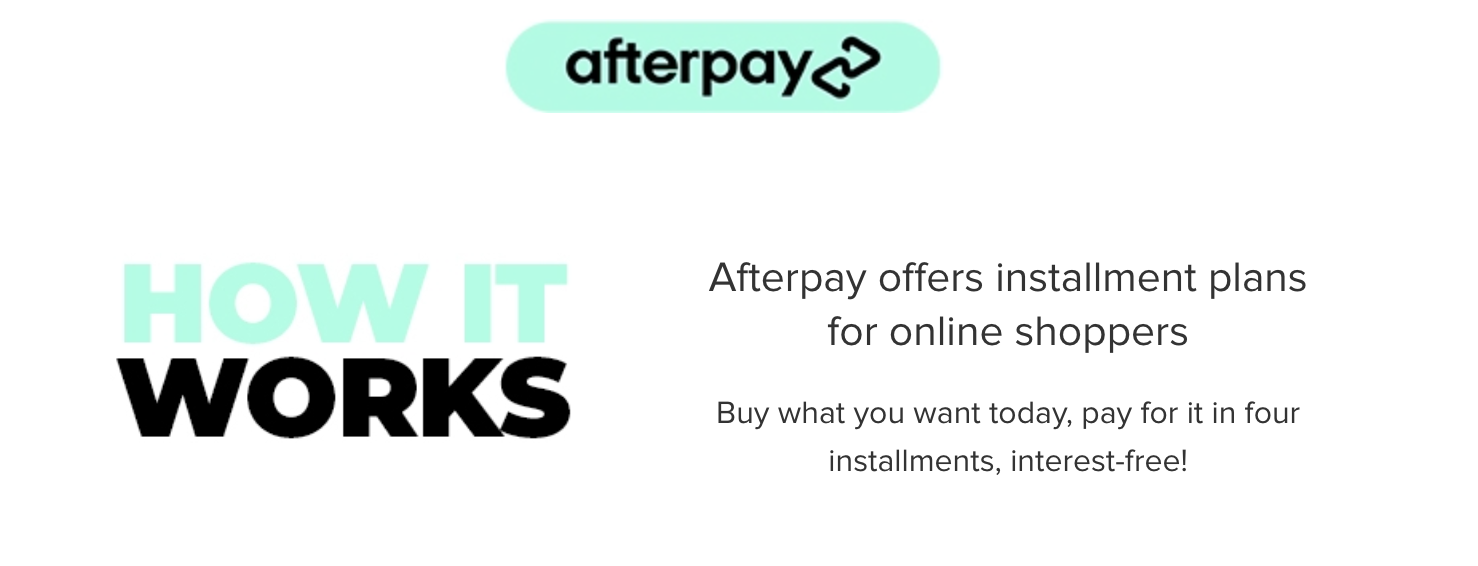
To use Afterpay:
Here are some great tips & tricks for extra savings at Ray-Ban:
You have an option to customise and make your sunglasses or prescription glasses to suit your personal style. Ray-Ban offers you 37 styles, 149 lens types and 290 colour options. If you’ve ever wanted to personalise a pair of Ray-Ban, this is the place to be.
How Does It Work?
Pick the fame that you like:

Choose from the various type of frames available. You are offered an array of options from your typical Aviator classic to even opting for a metal frame. Whatever your heart desires, Ray-Ban has got this one for you.
Choose your Lenses:

Whether you prefer a classic, gradient or a mirrored and flashed look, Ray-Ban has it all for you. Pick a colour you like and be on your way to looking your best.
Select Temples:

Choose your front and side temple colour and also metal details for the new set. You can even mix and match it up to make sure you look unique and leave a statement!
Add engraving

Add your own personal engraving, anything you want that resembles you or your loved one.
And that’s it… Get your personalised, stylish, fashionable design made to fit your style perfectly. Customise your glasses right here.
Ray-Ban strives by all means to offer its customers the best customer service for all their clients. Below are just a few of the many trusted customers for Ray-Ban.
Oli - ES
So far so good
‘Ray-Ban has always seemed to be a good company and above all quality with their products. Almost a year ago I bought polarized sunglasses and they are as good as new!’
Madison Lamas – GB
‘Got the transparent Ray-Ban glasses and I am in love. Super happy with them.’
Ali Bathawab – GB
‘I bought online prescription glasses at a reduced 50%. The service is 5 stars the reason I forget to write my house number. I sent an email and I called the consumers services in Italy. They contact Ups and solved the problem l in 5 minutes. Thanks’
Rachael Bunn – GB
‘Bought Ray-Bans as a gift for my partner, first usage and the small nose pad and arm snapped off. Looked like it hadn't been soldered correctly, it happens when things are made on mass. So, I threw them in the drawer thinking when I get round to it I'll contact Ray-Ban and send them back. Eighteen months later sunglasses appear back in the side, fella finds them in the draw and remembers they're broke. Ok, I contact Ray-Ban customer support as I couldn't find my order confirmation and they: Found it and emailed my POP and order confirmation, sent me a link to report the fault via their site, contacted Ray-Ban via the link, reported the issue, they confirmed they were in warranty, sent me a return label to print and I boxed them up. UPS collected them from my workplace in a 2-hour time slot on the day I selected – Monday. I received confirmation from Ray-Ban Monday afternoon to say they had received them. Received an email Monday night advising I would get a replacement Tuesday. Tuesday evening 17.30pm new Ray-Ban arrive via UPS. WOW just WOW, nothing more to say!’
Vanessa Santos – IE
‘The customer service is fabulous! Not only the products. They are there to support you and they actually do. It is a pity that we usually only review when something went wrong and not when we were satisfied. 5 stars no doubt!’
Thenanda Tun – SG
‘I have received these CNY limited edition sunglasses as a new year's gift from my supervisor. It looks stylish, amazing and gorgeous. I love it much.’
Ray-Ban has a 100-day return guarantee for their customers on their items. Please note that REMIX products are not eligible for return unless damaged or defective.
If you want to make a return at Ray-Ban, simply follow the following steps:
Ray-Ban offers a wide range of sun, clear and custom sunglasses with prescription lenses. However, the prescription is not available on all items they sell online. If the item is available in prescription you will see a button on the product page which says ‘ADD PRESCRIPTION LENSES or SEE PRESCRIPTION VERSION’.
For any issues related to your submitted prescription before you have received your order, please contact their prescription team as soon as possible: RXserviceAU@ray-ban.com
For the great majority of people – more than 90% of their customers – Standard Size offers the correct fit. It is very likely the correct size for you too. Learn more about Ray-Ban sizes and how to find the frame size of your sunglasses and eyeglasses with their Official Size Guide on their website.
All the components are made in Italy and assembled in Italy according to each order.
Original Ray-Ban sunglasses will have "RB" or 'Ray-Ban' etched onto the corner of the left lens to prove their authenticity. If the etching is missing, or low quality or painted on the glasses will be fake. Other signs to spot a fake pair of Ray-Bans include the packaging and the way in which they are boxed to ship
At Love Coupons, we spend many hours each day searching for the best Ray-Ban promo codes to save you money. This means that if Ray-Ban has a promo code available, we are likely to have it available for you to use. Check out the list of offers we have above to see which promo code best suits you.
The team at Love Coupons spends a great deal of time looking for and collecting the best and most recent promo codes that Ray-Ban has on offer. The team also try to explain how to use Ray-Ban’s promo codes. Scroll up to the How do I Use My Ray-Ban Promo Code?’ section for a step-by-step guide.
If you need to get in touch with Ray-Ban about an order, an inquiry, or anything else, there are a number of ways you can do this.
Contact Form
Contact Ray-Ban via their contact form and they will get back to you asap.
DM on Facebook Messenger
You can DM Ray-Ban on Facebook, and you’ll be directed to write your inquiry.
Dm on Instagram
You can Dm Ray-Ban on Instagram, and they will be more than happy to attend to your inquiry.
DM on Twitter
You can DM Ray-Ban on Twitter, and they will be more than happy to attend to your inquiry.
Ray-Ban is an online retailer that is open 24/7
What makes Ray-Ban stands above other similar online retailers is their brilliant customer service. They put their customers as a top priority. Their team responds as quickly as possible and through various platforms like Facebook, Instagram and Twitter. Whatever your inquiry is, Ray-Ban is always there to help you!